Visual Clarity
Advanced Opacity Control
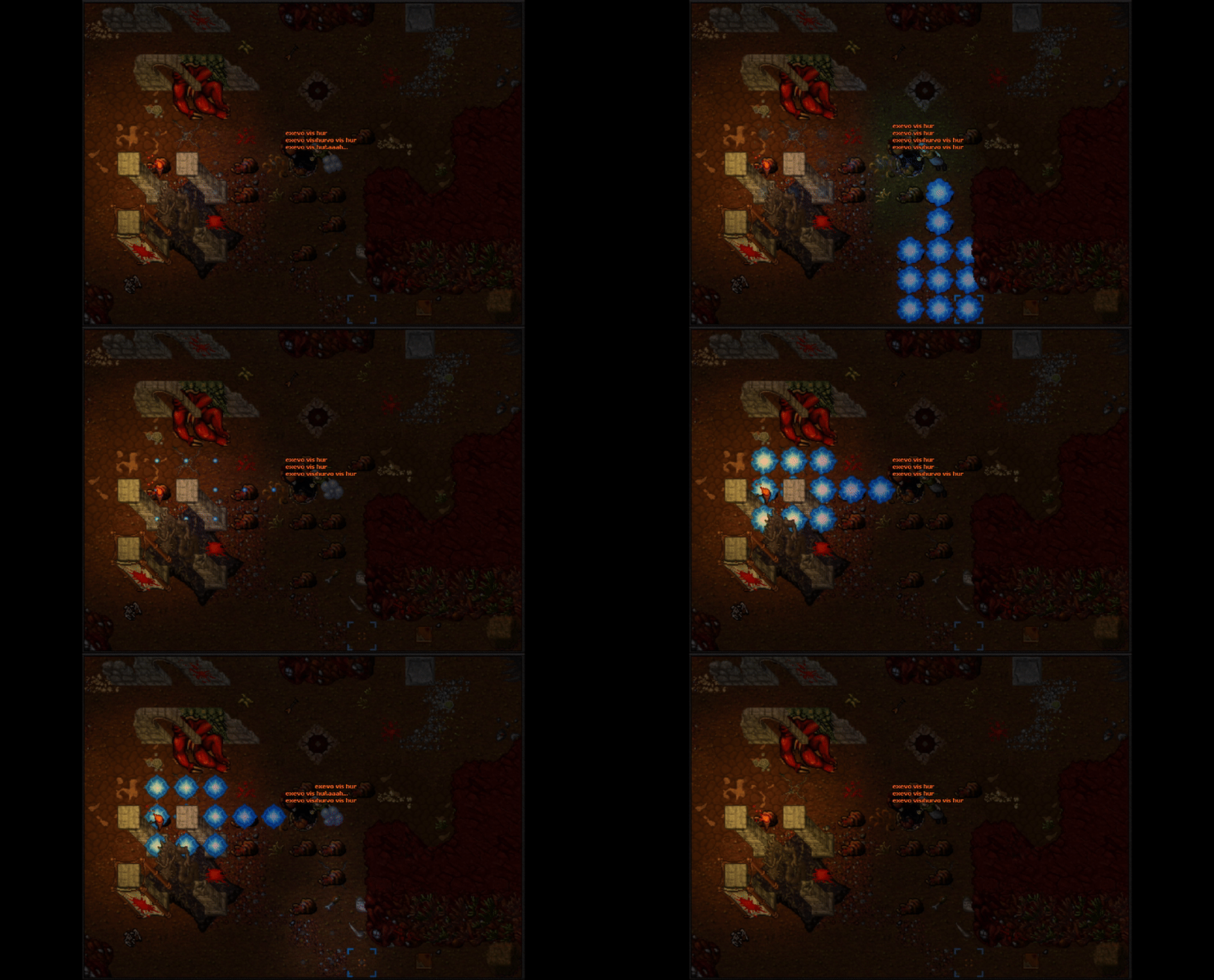
Overview
Regain full control over visual chaos. Whether in team fights or boss hunts, you decide how visible magic effects are. Focus on movement and enemies without screen clutter.
Settings (Customs Tab)
-
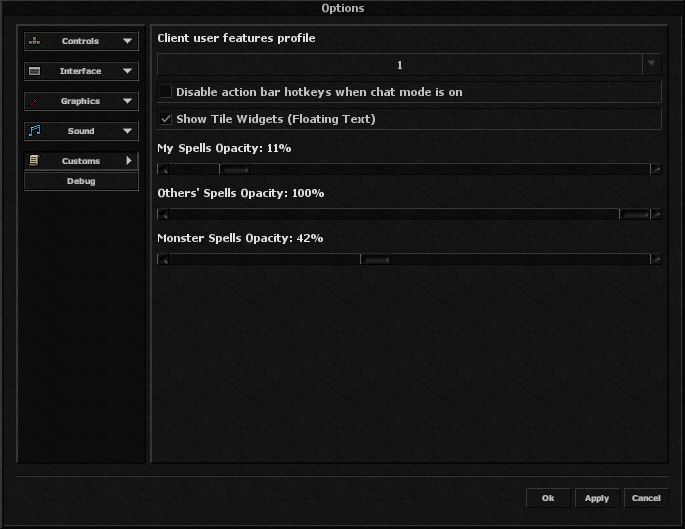
My Spells: Keep your own spells visible to confirm hits.
-
Others' Spells: Reduce noise from teammates to spot threats.
-
Monster Spells: Control intensity of monster attacks.
Usage
Go to Options -> Customs. Adjust sliders from 0% (Invisible) to 100%. Changes are instant.